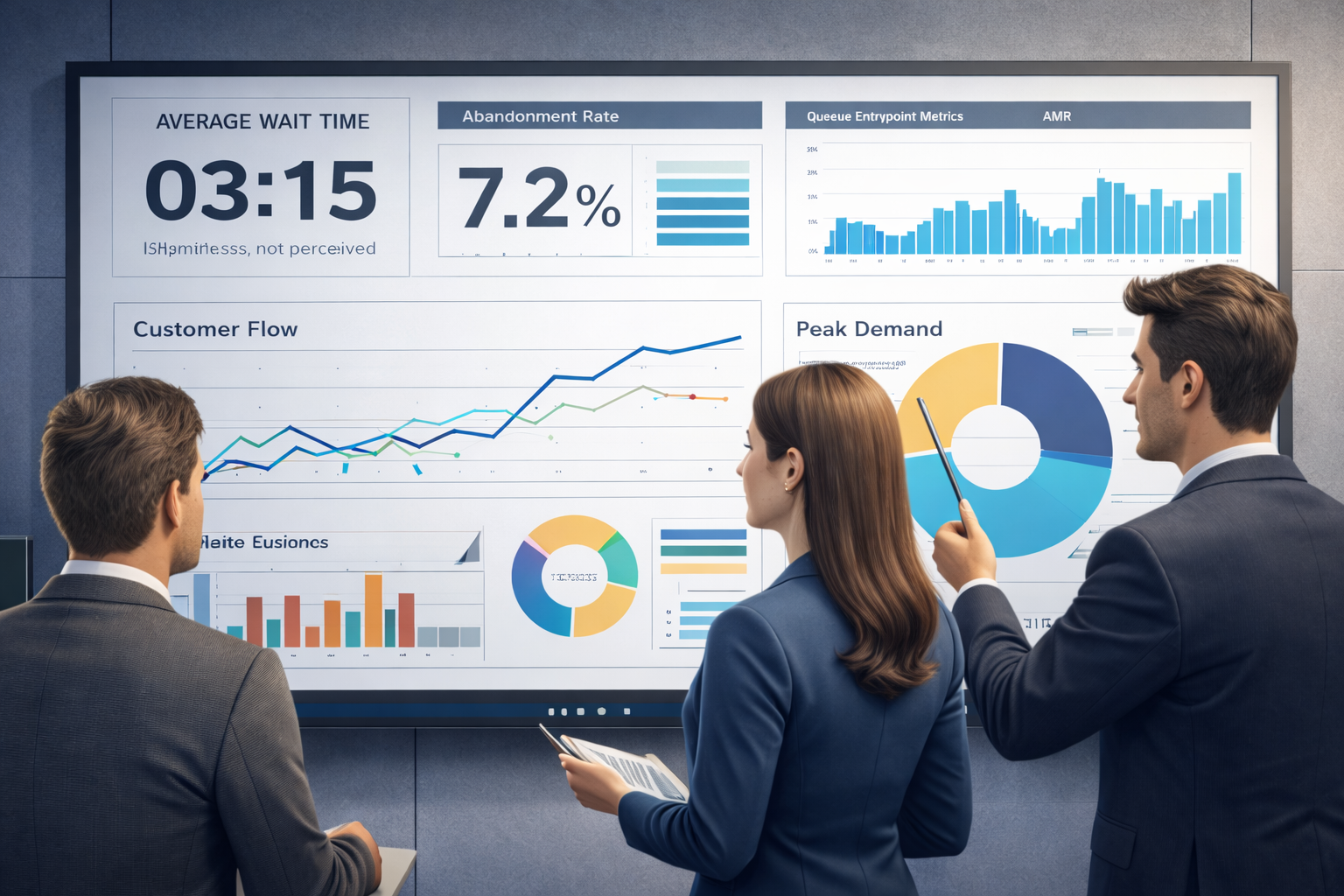

Queue Management System: The Complete Practical Guide
This original, in-depth guide explains how to plan, select, deploy and operate a modern queue management system.
It covers architecture, token lifecycle and design for a robust token management system, evaluation criteria for queue management system software, electronic queuing strategies, security, integrations and a practical multi-phase implementation roadmap.
Jump to product details on our Queue Management Solutions page or request a demo.
Executive summary
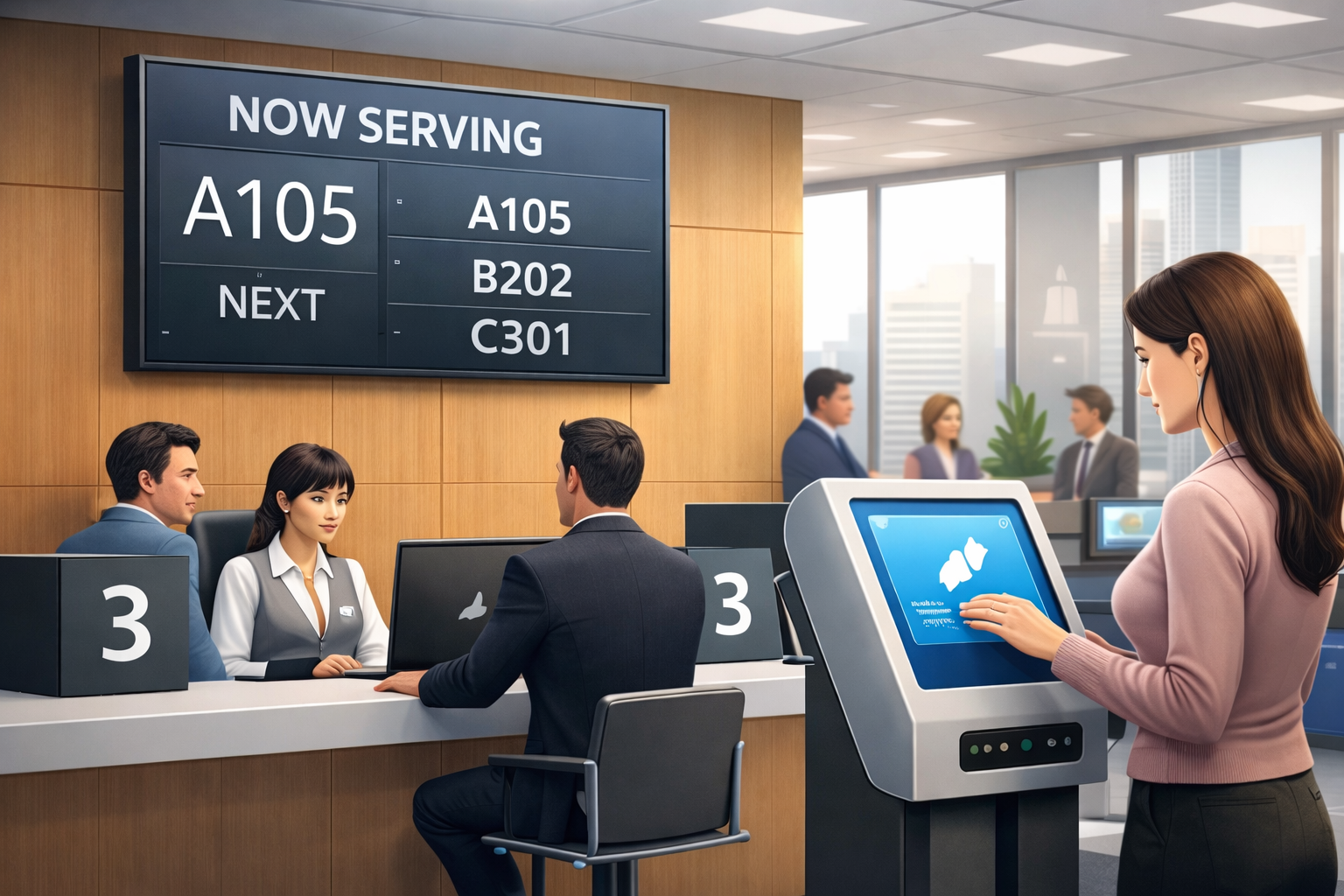
A modern queue management system reduces perceived and actual wait times, improves throughput and provides managers with data to make staffing decisions. The system’s core pieces are token issuance, a resilient token management system, routing and staff consoles, display and call-up networks, and analytics dashboards.
Why invest in a queue management system?
Waiting consumes customer patience and staff time. Organizations that measure and manage queues see tangible benefits: lower abandonment, higher conversion or service throughput, and better CSAT.
Primary concepts and keywords
- Queue management system — the end-to-end solution.
- Token management system — issues, tracks and resolves tokens.
- Queue management system software — the vendor product or in-house platform.
- Secondary terms: q management system, electronic queuing system.
How the parts fit together
Architecturally, a complete deployment contains entry, token services, staff consoles, display networks, notifications, and analytics dashboards.
Token management system: design & best practices
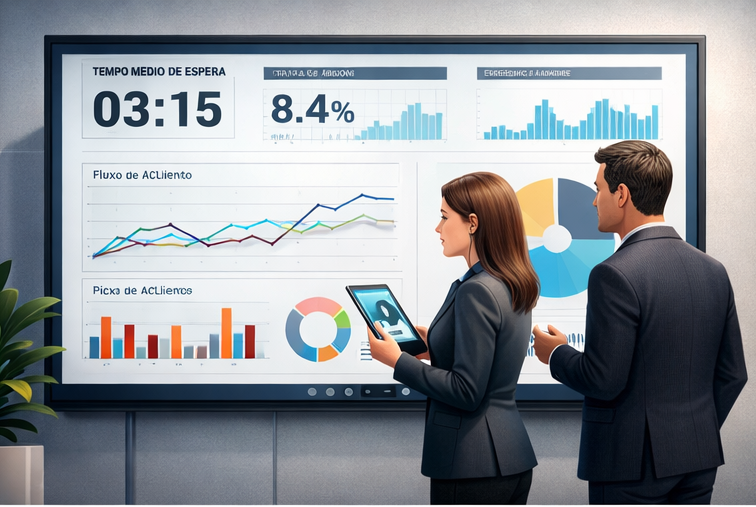
Tokens are the core identity for a waiting interaction. Designing tokens well reduces friction and protects privacy.
Token design principles
- Keep tokens short and human-friendly.
- Never embed sensitive PII into tokens.
- Allow essential metadata.
- Support multiple channels.
Electronic queuing: remote waiting and mobile-first strategy
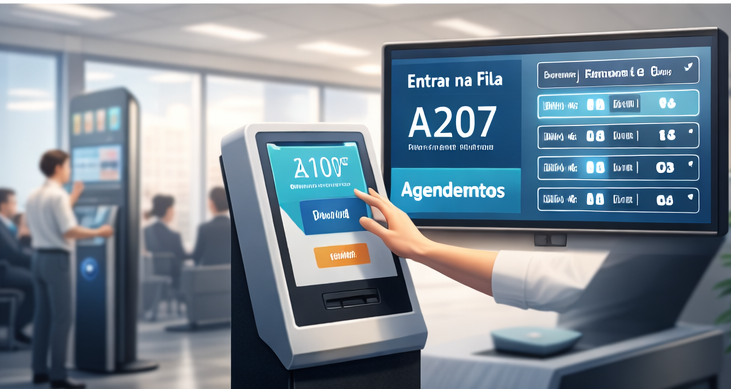
An electronic queuing system enables customers to join and monitor a queue remotely. Benefits include reduced lobby crowding and improved perceived wait time because customers can be productive while waiting.
Typical remote waiting flow
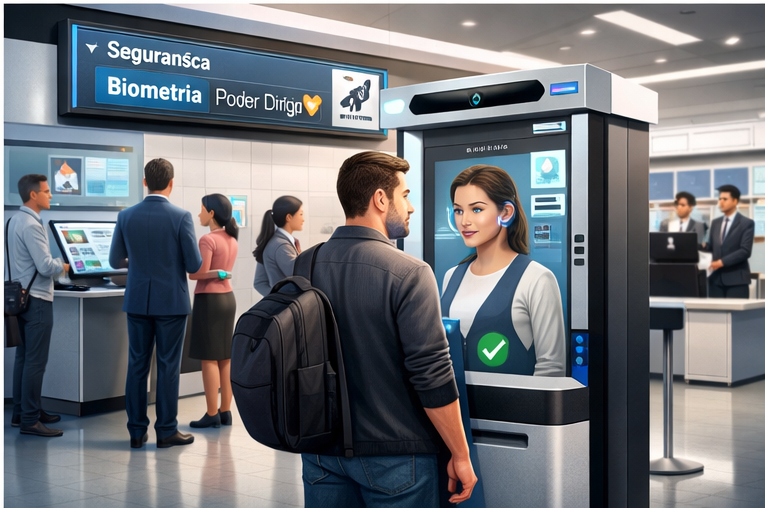
- Customer checks in via web, mobile or QR at kiosk and receives a digital token.
- System sends an immediate confirmation with a tracking link.
- Periodic progress updates are sent; imminent-call notification triggers when customer should head to desk.
- Staff calls token and customer is routed to the right counter.
Evaluating queue management system software
Use a structured checklist to evaluate vendors.
Technical checklist
- Token lifecycle APIs.
- Skill-based routing and SLA rules.
- Notification channels (SMS, WhatsApp, Email, Push).
- APIs and webhooks for integrations.
- Offline kiosk capabilities.
- Security primitives (RBAC, TLS, encryption).
Operational checklist
- Vendor SLAs and support hours.
- Onboarding and training programs.
- Change management runbook.
- Data retention and privacy policies.
Implementation roadmap — practical phased plan
Phase 1 — Discovery
Map customer journeys, instrument current wait times and define clear SLAs.
Phase 2 — Pilot
Deploy a small pilot, validate flows, and adjust routing rules and notification cadence.
Phase 3 — Scale
Roll out progressively with continuous monitoring and SLA dashboards.
Integration patterns and architecture
Recommended patterns include API-first integrations, event-driven architecture, and edge resilience.
- API-first: REST endpoints and webhooks.
- Event-driven: publish events to message bus.
- Edge resilience: offline kiosk operation.
Security, privacy and compliance
Use TLS, encrypt sensitive data, maintain RBAC access and audit logs for token lifecycle actions.
Operational KPIs and measuring ROI
- Average wait time
- Abandonment rate
- Throughput
- Staff utilization
- CSAT and NPS
Sector-specific guidance
Airports
Integrate airline systems and use remote waiting to smooth lobby density.
Healthcare
Protect patient privacy, integrate with EHR systems and prioritize triage rules.
Retail & Banking
Optimize mobile-first check-in and integrate with CRM and POS systems.
Common pitfalls and how to avoid them
- Avoid over-automation without manual overrides.
- Don’t ignore signage and UX.
- Never store PII in tokens.
- Test offline behavior thoroughly.
Checklist: are you ready to buy?
- APIs meet integration needs.
- Offline kiosk behavior defined.
- Support SLAs aligned.
- Reporting compatible with BI tools.
SEO & content strategy recommendations
Prioritize primary keywords naturally in headings and meta fields and link to product and contact pages.
Practical case examples
- Airport terminal: peak waiting time reduced 18%.
- Regional clinic: lobby crowding reduced 60%.
- Retail chain: checkout abandonment decreased 12%.
Frequently asked questions
Q: What is the difference between a queue management system and a token management system?
A: Token system handles issuance; full queue system includes routing, displays and analytics.
Q: Can queue systems prioritize customers?
Yes, tokens can carry priority flags.
Q: Cloud vs on-prem?
Cloud enables fast rollout; hybrid models are common.
Implementation templates & quick wins
- Introduce QR-based check-in.
- Enable SMS confirmations.
- Add real-time SLA dashboard widgets.
Content & assets to prepare for procurement
- Peak/off-peak arrival profiles.
- Service types and handling times.
- Integration systems list.
- Security requirements.
Next steps
Run a discovery workshop and pilot phase. Visit Queue Management Solutions or request a demo.